
USB wired optical gaming mouse with ergonomic design, 2000 DPI adjustable resolution, 6-key layout and 1.8 metre cable, compatible with desktop computers in a black and red colour scheme.


USB wired optical gaming mouse with ergonomic design, 2000 DPI adjustable resolution, 6-key layout and 1.8 metre cable, compatible with desktop computers in a black and red colour scheme.
Ergonomic USB Wired Optical Mouse with 2000 DPI and Six Keys for Desktop Computing
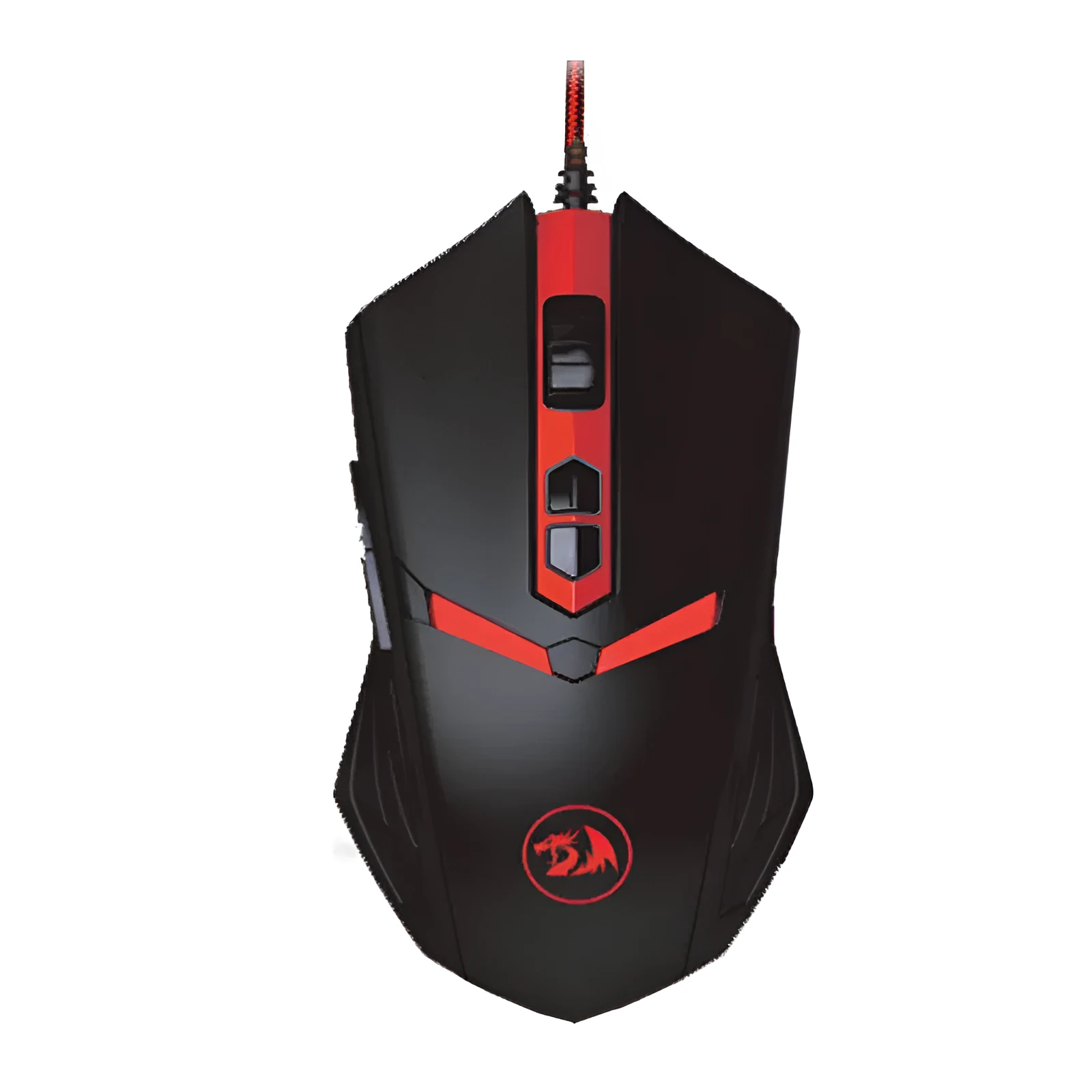
This USB wired optical mouse combines essential functionality with user-focused design for desktop computer setups. It provides a direct, stable connection via its 1.8-metre cable, eliminating concerns over wireless signal dropout or battery life. The core specification of a 2000 DPI optical sensor delivers the accuracy needed for detailed graphical work, everyday office tasks, or casual gaming. An ergonomic shape aims to reduce wrist strain, while the six-button configuration and two-way scroll wheel expand control options beyond simple pointing and clicking.
Features and Construction

Designed as a practical input device, this mouse integrates several features to enhance the desktop user experience. Its construction focuses on reliable performance and day-to-day usability, with specifications tailored for a wired desktop environment.
Material and Build
The mouse is built from standard plastics and electronic components, creating a lightweight yet sturdy peripheral. The inclusion of an ergonomic design is a key structural element, intended to contour to the user's hand for improved comfort during prolonged sessions at a desk. This design choice is a functional response to the common need for reduced physical strain while using a computer.
Size and Practical Fit
With a length ranging from 100mm to 120mm, this mouse falls within the standard size range, making it suitable for most adult hand sizes. The 1.8-metre attached USB cable provides ample reach from the computer tower or hub to the user's workspace, allowing for flexible desk arrangements. The black and red colour scheme offers a visual differentiation from more basic office peripherals.
Uses and Placement

This mouse is specified as being applicable for desktop models, indicating its primary use case is with stationary computer systems. Its feature set supports a variety of computing activities within that fixed environment.
Event or Professional Use
For professional or detailed work on a desktop PC, the adjustable DPI resolution is a practical asset. Users can switch between three preset sensitivity levels, potentially using a lower DPI for precise photo editing or a higher setting for navigating large spreadsheets. The six keys can be programmed for specific software shortcuts, potentially streamlining repetitive tasks in design, office, or development applications.
Everyday Home Use
In a home office or general family desktop setting, the mouse offers reliable plug-and-play functionality. The ergonomic shape is beneficial for students completing long assignments or individuals browsing the web. The gaming mouse features, such as the extra buttons and 2.4GHz operating frequency, also make it suitable for casual gaming on a home desktop computer, providing more control options than a standard two-button mouse.
Benefits and Buying Value

The value of this peripheral lies in its combination of specified features aimed at improving the core experience of using a desktop computer, without relying on wireless components.
Reuse and Low Maintenance
As a wired device, it requires no batteries, chargers, or pairing procedures, which simplifies setup and ongoing use. This can lead to cost savings over time compared to wireless models and ensures the mouse is always ready when the computer is powered on. The durable wired connection and solid-state components suggest a product focused on long-term, hassle-free operation.
Why Choose This Product
This mouse is a relevant choice for users who prioritise a stable, lag-free connection for their desktop PC and appreciate the tangible benefits of an ergonomic design. It provides an upgrade from very basic mice through its higher DPI sensor, additional buttons, and adjustable settings, offering more control and potential comfort. It represents a straightforward solution for enhancing desktop productivity and comfort, grounded in its concrete specifications of DPI, button count, cable length, and ergonomic support.

